
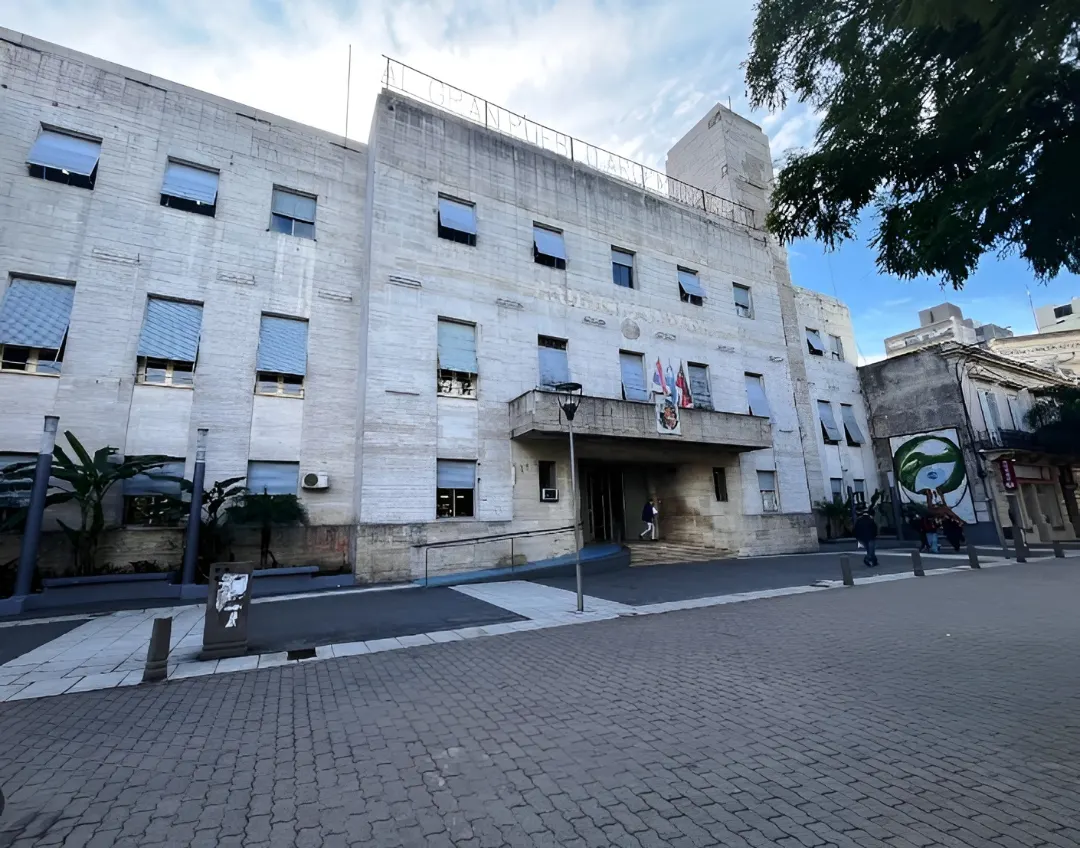
Within the framework of the public policies for the modernization of the municipal administration promoted by mayor Enrique Cresto, taxpayers will be able to pay their Municipal Taxes through an Electronic Payment Voucher (VEP).
Through the website of the Municipality of Concordia (www.concordia.gob.ar) the agency enables taxpayers to pay municipal taxes through any mobile device in a simple, fast, and practical way.
First, in order to generate your Electronic Payment Voucher (VEP), you must have a registered and activated user account in the Online Services of the Municipality of Concordia.
Second, you must enter the site www.egob.concordia.gob.ar/
Subsequently, select the business to represent and access Generate Sworn Statement, fill in the fields to calculate your sworn statement, and then select the save and print option.
In the next step, you must submit your sworn statement; for this, you must "click" on Submit, select the corresponding sworn statement, click on Submit again, and on the next screen select Pay.
Then, a screen will open for you to verify the payment details. Once you are sure, select Electronic payment voucher and your banking network. Choose the CUIT of the homebanking account holder with which the VEP will be paid and generate the Electronic payment voucher. Once generated, a notice will appear. Finally, the user will complete the procedure through their homebanking by paying the VEP.
Finally, the municipality reported that users can enter and learn the process step by step through the following tutorial: https://www.youtube.com/watch?